🌐
No install — join in browser
One link, zero downloads or plugins. Frictionless join on any modern desktop or mobile browser.
Attendee view →plugNmeet is a free, open-source WebRTC project you host yourself. Read the docs, run one install script, and add HD meetings, whiteboard, breakout rooms, polls, recording, RTMP streaming and optional AI to your site — no accounts, no installs for guests, no vendor lock-in.
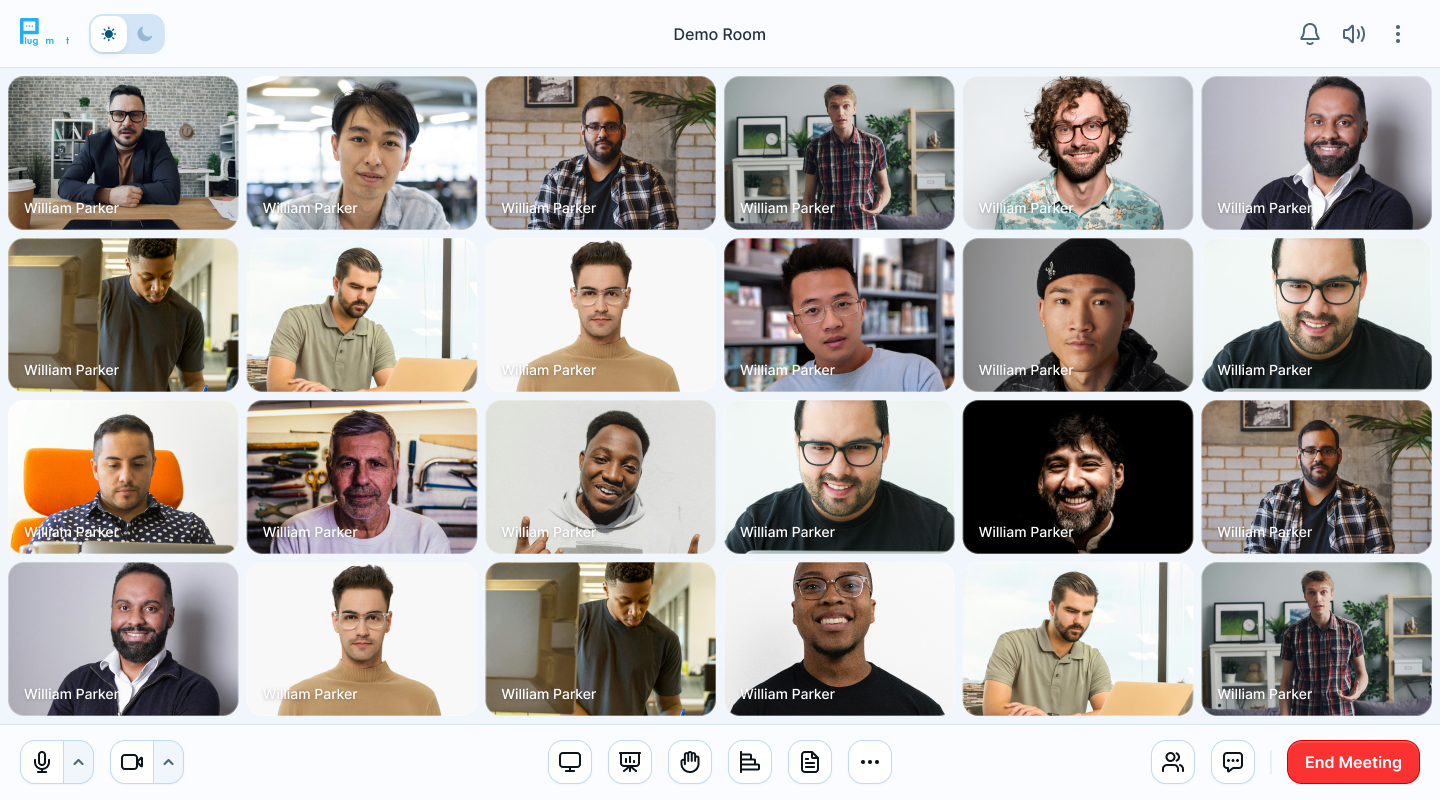
Everything a modern meeting room needs — one self-hosted engine for video calls, virtual classrooms, webinars and embedded meetings.
One link, zero downloads or plugins. Frictionless join on any modern desktop or mobile browser.
Attendee view →Shared whiteboard with file annotation, collaborative notepad, synced video playback and embedded web apps.
Collaborate →Complete online classroom with multi-user whiteboard, breakout rooms, quiz-mode polls, raise hand, waiting room, shared notes and per-user locks — built for online teaching, workshops and webinars.
Classroom guide →Crystal-clear HD MP4 recordings plus RTMP/WHIP live streaming to YouTube, Facebook, or OBS studio input.
See how →Live captions, spoken translation, transcripts, summaries and chat assistant — powered by your own AI provider.
Add AI in 15 min →No internet? No problem. Guests join audio-only from any phone via SIP dial-in — ideal for low-bandwidth regions and on-the-go attendees.
SIP dial-in →Adaptive quality keeps calls smooth on weak Wi-Fi or mobile — no buffering, no dropped conversation.
Learn more →WebRTC security by default, optional true end-to-end encryption — not even the server can read media or chat.
Security model →One install script sets up the full stack on your servers with Docker, LiveKit and NATS. Your data stays on your infrastructure.
Install guide →URLs, logos, colors, features — white-label everything via config. No code forks, no plugNmeet branding.
Customize UI →Skip the iframe. Use the getClientFiles API to render the full meeting client natively inside your own page — your domain, your layout, always up to date.
Embed natively →Horizontal scaling with LiveKit + NATS. More users on fewer resources, installed with one script.
Scaling guide →Attendance, talk time, polls, chats, whiteboard and connection quality — per-session reports with Excel export via PHP SDK, Moodle, WordPress and Joomla.
Analytics guide →Host interactive Q&A webinars with waiting room, moderation, RTMP streaming to YouTube/Facebook and studio input from OBS.
Webinar guide →Create rooms, mint join tokens and automate meetings with PHP/JS SDKs, webhooks and BBB-compatible API on your own domain.
API docs →Screens from the live client — whiteboard, AI chat, live captions, polls, chat and HD video grids. Click any thumbnail.
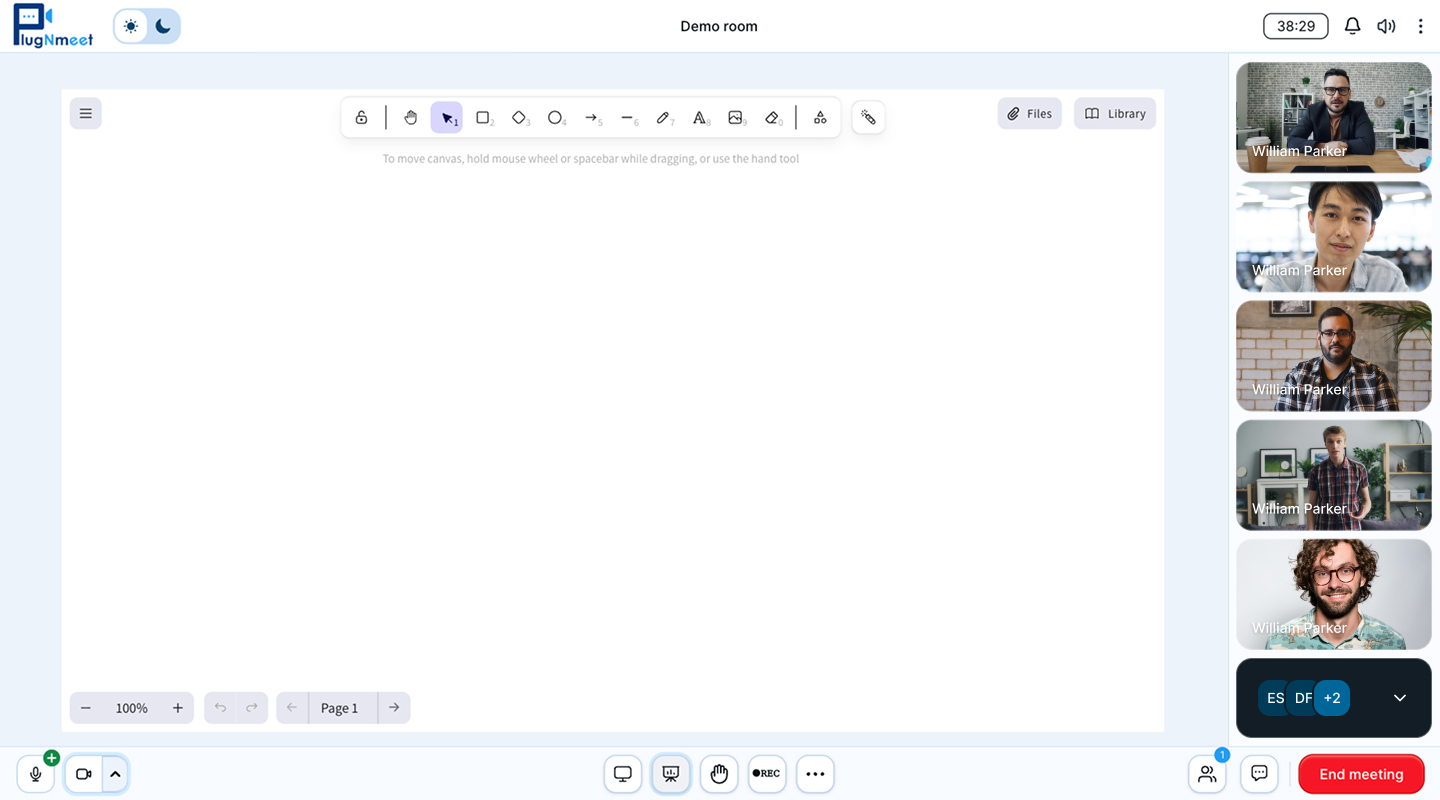
Collaborate Interactive whiteboard for online teaching
Virtual classrooms, webinars, telehealth and embedded video chat — same self-hosted engine, just enable the right features.
Complete virtual classroom software with whiteboard, breakout rooms, polls and attendance analytics — right inside Moodle with the plugNmeet plugin, or any LMS via LTI.
Moodle plugin →📡Waiting room, moderator controls, RTMP streaming to YouTube/Facebook and OBS studio input — host events the smart way.
Webinar guide →🩺Browser-only join, lockable rooms, per-user permissions, optional E2EE where even the server can’t listen.
Explore →🛠️Render the full meeting client natively in your page with getClientFiles — no iframe. Or go headless with the API + SDKs, SSO and webhooks.
Native embed guide →Guests join in one click from any modern desktop or mobile browser. No downloads, plugins, or accounts.
Why browser-first →Self-hosted, white-label WebRTC meetings with recording, streaming and privacy-respecting AI. Deploy on your servers or test the cloud in seconds. If you like the project, star us on GitHub — it helps others find it.